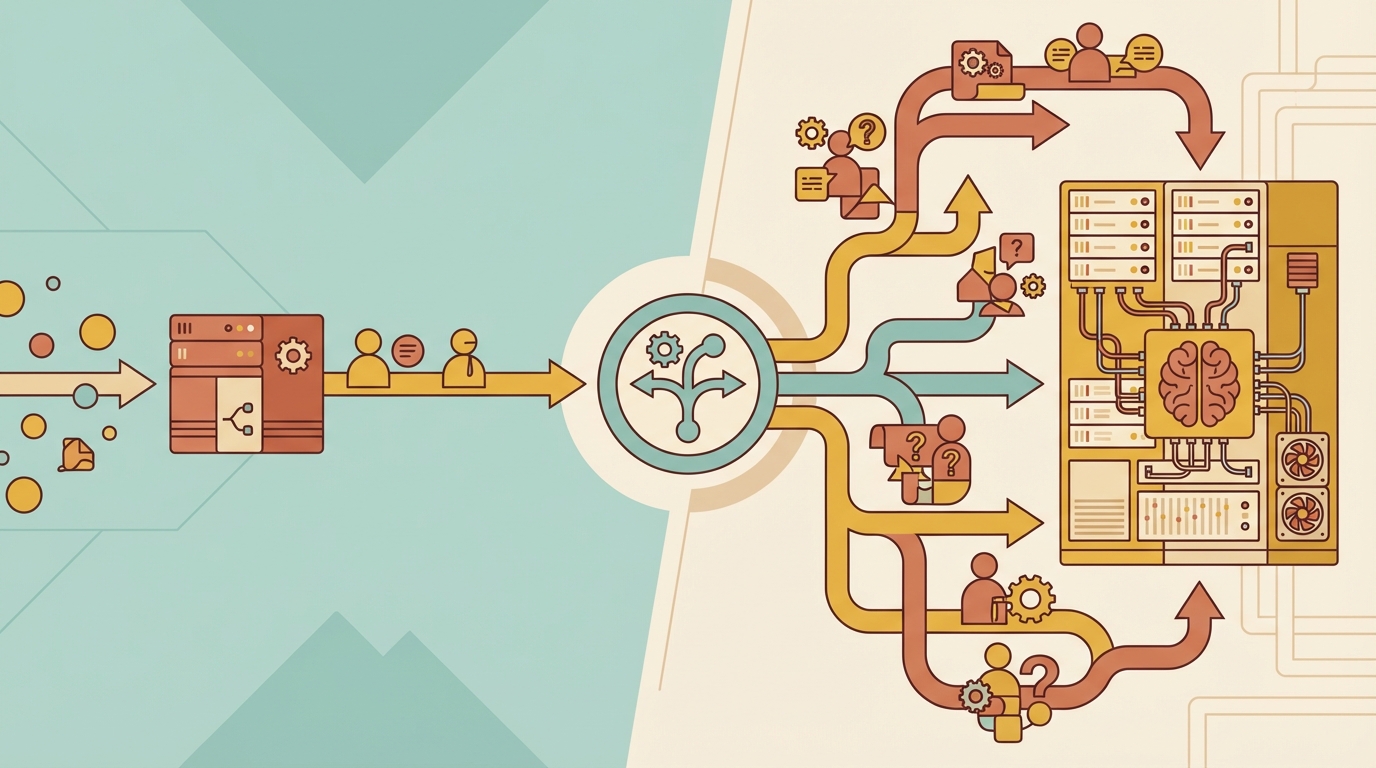
We just shipped auto-routing on Haimaker.
The idea is simple: not every prompt needs your most expensive model. “What’s the weather in Tokyo” and “architect a distributed database with ACID guarantees” are not the same kind of request. But most applications send both to the same model and pay the same price.
Auto-routing lets you set model: "haimaker/auto" in your API calls and define rules that route each request to the right model. No custom routing code, no if-else chains in your application layer.
Why we built this
Most AI API traffic is simple. When we looked at real-world application logs, 50-70% of requests were basic queries, conversations, or straightforward tasks. Stuff that a cheap model handles fine. But developers default to GPT-4o or Claude Sonnet for everything because:
- Building routing logic takes engineering time they don’t have
- Hardcoding “if prompt contains X, use model Y” breaks constantly
- Nobody wants to maintain a homegrown routing system
So everyone overpays. By a lot.
How it works
Auto-routing has three layers. All deterministic, all controlled by you.
Capability filtering (automatic)
Before any routing happens, the system reads the actual request. Image attached? Only vision-capable models are considered. Tool calling? Only models that support function calling. Same for structured output, audio, PDF, web search, and long context.
This isn’t configurable because it doesn’t need to be. It prevents routing failures. A request with an image will never end up at a model that can’t handle images.
Rules you define
This is where you control the routing. You create rules that match prompt content to target models. The matching uses word boundaries (Aho-Corasick algorithm), so “class” matches “class” but not “classification.” When multiple rules match, the one with the most keyword hits wins. Ties break by priority order.
We have six pre-built keyword categories to get you started:
- Code & Dev: python, javascript, debug, compile, function, async…
- Complex Reasoning: analyze, compare, evaluate, architect, design…
- Simple & Conversational: hello, thanks, weather, what is, define…
- Creative Writing: story, poem, blog, narrative…
- Data & Analysis: chart, spreadsheet, statistics, regression…
- Math & Science: calculate, formula, equation, physics…
You can also add your own keywords for domain-specific routing, and set up capability-based rules. For example, “route all vision requests to GPT-4o” without needing any keywords at all.
Default model (fallback)
When no rule matches, your chosen default model handles the request. Every prompt gets routed somewhere.
No LLM in the loop
This matters. Some routing approaches use one LLM to classify the prompt before sending it to another. That adds a second API call, extra latency, and a black box you can’t debug.
Haimaker’s auto-routing is pure rules and counting. The same prompt with the same config always routes to the same model. You can see exactly why each request went where it did.
The math on savings
Say you set up three models:
- A cheap conversational model at $0.10/M tokens for simple queries
- A coding model at $0.50/M tokens for programming tasks
- A frontier model at $2.00/M tokens for complex reasoning
If 60% of your traffic routes to the cheap model, 20% to coding, and 20% to the frontier model, the blended cost drops hard compared to sending everything to the $2/M model. The only code change is swapping your model name to haimaker/auto.
The dashboard has a sandbox where you can type sample prompts and see which model would be selected before making real API calls.
Observability
Every auto-routed request gets tagged in the logs. You can see the original request (haimaker/auto), what it resolved to, which keyword triggered the route (or “default”), and the specific rule that matched. Response headers include routing metadata too, so you can track this programmatically.
Get started
Auto-routing is live now for all Haimaker accounts. Set up your rules in the dashboard, point your API calls at haimaker/auto, and stop overpaying for simple queries.
Not writing those API calls yourself? If a coding agent is generating them, npx -y @haimaker/connect configures it to hit haimaker/auto natively — one command handles whichever agent is making them, from Claude Code to OpenClaw to Hermes, instead of editing each agent’s settings by hand.