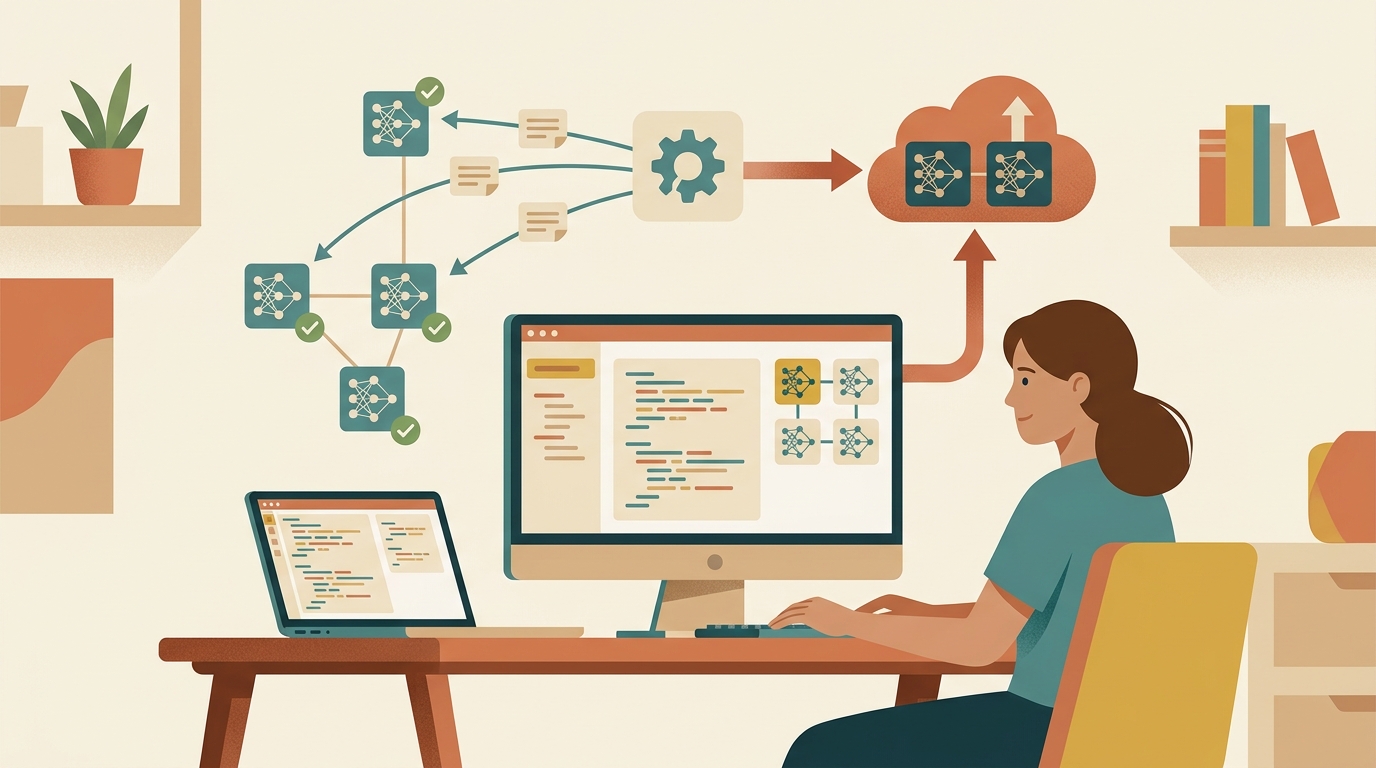
The best Ollama model for a coding agent is not always the biggest model you can download. Agents loop. They read files, call tools, revise plans, and generate patches. A model that looks good in a single prompt can feel unusable when every tool call takes another slow local inference pass.
Use this ranking as a practical starting point: which model to pull, what hardware it wants, and when to stop forcing local inference and use a cloud fallback.
Quick ranking
| Rank | Model | Pull command | Best for | Practical hardware |
|---|---|---|---|---|
| 1 | Qwen3 Coder 30B | ollama pull qwen3-coder:30b | Best local coding-agent default | 24GB+ VRAM or 32GB+ unified memory |
| 2 | Qwen3 30B | ollama pull qwen3:30b | General agent tasks, reasoning, code review | 24GB+ VRAM or 32GB+ unified memory |
| 3 | Gemma 4 26B MoE | ollama pull gemma4:26b | Fast local coding help on capable workstations | 24GB+ VRAM or 32GB+ unified memory |
| 4 | Kimi K2.7 Code | ollama pull kimi-k2.7-code | Frontier-lineage coding on serious hardware | 48GB+ VRAM or 96GB+ unified memory |
| 5 | gpt-oss 20B | ollama pull gpt-oss:20b | Best 16GB pick, adjustable reasoning | 16GB VRAM or unified memory |
| 6 | Gemma 4 E4B | ollama pull gemma4:e4b | Lightweight laptop usage | 16GB unified memory |
| 7 | Qwen3 8B | ollama pull qwen3:8b | Small edits and code explanation | 8-16GB memory |
If you only try one model, try Qwen3 Coder 30B. Ollama lists it as a coding and agentic model with 256K context support, and it is built for the exact shape of work coding agents do: reading code, using tools, and carrying state across longer tasks.
What to pick by machine
8-16GB memory
Use gpt-oss 20B, Qwen3 8B, or Gemma 4 E4B. gpt-oss 20B has become the community’s default 16GB pick since its release — it fits the memory budget and lets you dial reasoning effort up or down per task.
This tier is good for:
- Explaining unfamiliar code
- Writing small functions
- Drafting tests
- Generating config files
- Summarizing logs
Do not expect reliable multi-file refactors here. Smaller models can write useful code, but they lose the thread quickly once the agent starts opening files, revising patches, and juggling tool output.
24-32GB memory
Use Qwen3 Coder 30B, Qwen3 30B, or Gemma 4 26B MoE.
This is the useful local-agent tier. The model is large enough to follow repository context, but still small enough to run on a serious desktop GPU or a higher-memory Mac. For most developers, this is the point where Ollama stops feeling like a novelty and starts becoming part of the workflow.
64GB+ memory
Try larger Qwen or DeepSeek variants only if you already know why you need them.
The temptation is to chase the biggest model in the library. For agents, that is often the wrong instinct. A huge local model can be technically impressive and still make the coding loop too slow. Bigger is useful when the task genuinely needs more reasoning or context. It is a tax when the agent is only reading files, writing boilerplate, or drafting tests.
Want the local-first, cloud-fallback setup without managing keys for every provider? haimaker routes simple coding-agent work to your local model and escalates hard tasks to cloud models through one endpoint.
ROUTE LOCAL AND CLOUD MODELS WITH HAIMAKERBest overall: Qwen3 Coder
Qwen3 Coder is the first model I would test for any local coding-agent setup.
Pull it:
ollama pull qwen3-coder:30b
Run a quick check:
ollama run qwen3-coder:30b "Explain this repo structure and suggest where tests should live."
Why it ranks first:
- It is explicitly tuned for coding and agentic workflows.
- The Ollama page lists
ollama launchsupport for Claude Code, Codex, OpenCode, and OpenClaw. - The 30B variant is much more realistic locally than the 480B variant.
- Long-context support makes it better suited for repository work than older local code models.
Use it for code review, test generation, medium refactors, and local-first agent sessions where privacy matters.
Best lightweight pick: Gemma 4
Gemma 4 is the model family to try when Qwen3 Coder is too heavy. The smaller Gemma 4 variants are designed for local and on-device use, while the 26B MoE variant gives you a stronger workstation option without activating every parameter on every token.
Pull the laptop-friendly version:
ollama pull gemma4:e4b
Pull the stronger workstation version:
ollama pull gemma4:26b
Gemma 4 is a good fit for coding agents when you want fast local help with explanations, small edits, and private code. It is less attractive for long autonomous sessions where the agent needs to keep a full migration plan straight.
Newest arrivals: Kimi K2.7 Code and Laguna XS 2.1
Two coding-focused models landed in the Ollama library this summer and are worth watching.
Kimi K2.7 Code is Moonshot’s coding-tuned build on the K2.6 line — the same family whose K3 release has been beating closed frontier models on arena leaderboards. It wants serious hardware (think 48GB+ VRAM or a high-memory Mac), but if you have it, this is the strongest open coding lineage you can run locally today.
ollama pull kimi-k2.7-code
Laguna XS 2.1 is Poolside’s agentic coding MoE — 33B total parameters with only 3B active per token, so it runs far lighter than its size suggests. It is built specifically for the tool-calling loop coding agents live in.
If you were previously running DeepSeek Coder V2 from an older version of this guide, retire it — it is two generations behind the current options and has dropped out of community rankings entirely.
Where to use these models
- haimaker.ai - use local Ollama models alongside stronger cloud models, then route simple coding-agent work locally and hard tasks to paid models.
- OpenClaw - use Ollama as a local provider for coding-agent sessions. See the OpenClaw local model guide.
- OpenCode - add Ollama through the OpenAI-compatible provider path. See Ollama with OpenCode.
- Codex and Claude Code - Ollama’s model pages include
ollama launchexamples for agent runtimes, including Codex and Claude Code.
Setup for OpenAI-compatible agents
Most coding agents can use Ollama through its local OpenAI-compatible endpoint:
http://localhost:11434/v1
Use a placeholder API key if your tool requires one. Ollama does not validate it locally.
{
  "baseURL": "http://localhost:11434/v1",
  "apiKey": "ollama",
  "model": "qwen3-coder:30b"
}
For OpenCode, the provider block looks like this:
{
  "$schema": "https://opencode.ai/config.json",
  "provider": {
    "ollama": {
      "npm": "@ai-sdk/openai-compatible",
      "name": "Ollama (local)",
      "options": {
        "baseURL": "http://localhost:11434/v1"
      },
      "models": {
        "qwen3-coder:30b": {
          "name": "Qwen3 Coder 30B"
        }
      }
    }
  }
}
If tool calls are unreliable, reduce the model size first, then increase context only as far as your hardware can handle. A giant context window that swaps memory is worse than a smaller window that stays responsive.
When not to use Ollama
Local models are best when privacy, cost, or offline work matters. They are not automatically better for every coding task.
Use a cloud model when:
- The task spans many files
- The bug is subtle
- You need reliable tool calling
- The patch will touch production systems
- You do not have time to review every generated line
The practical setup is local-first, not local-only. Use Qwen3 Coder or Gemma 4 for cheap private work, then escalate to a stronger cloud model when the task gets expensive in attention instead of tokens.
ROUTE LOCAL AND CLOUD MODELS WITH HAIMAKER
For OpenClaw-specific local setup, see best local models for OpenClaw. For OpenCode setup, see use Ollama with OpenCode.