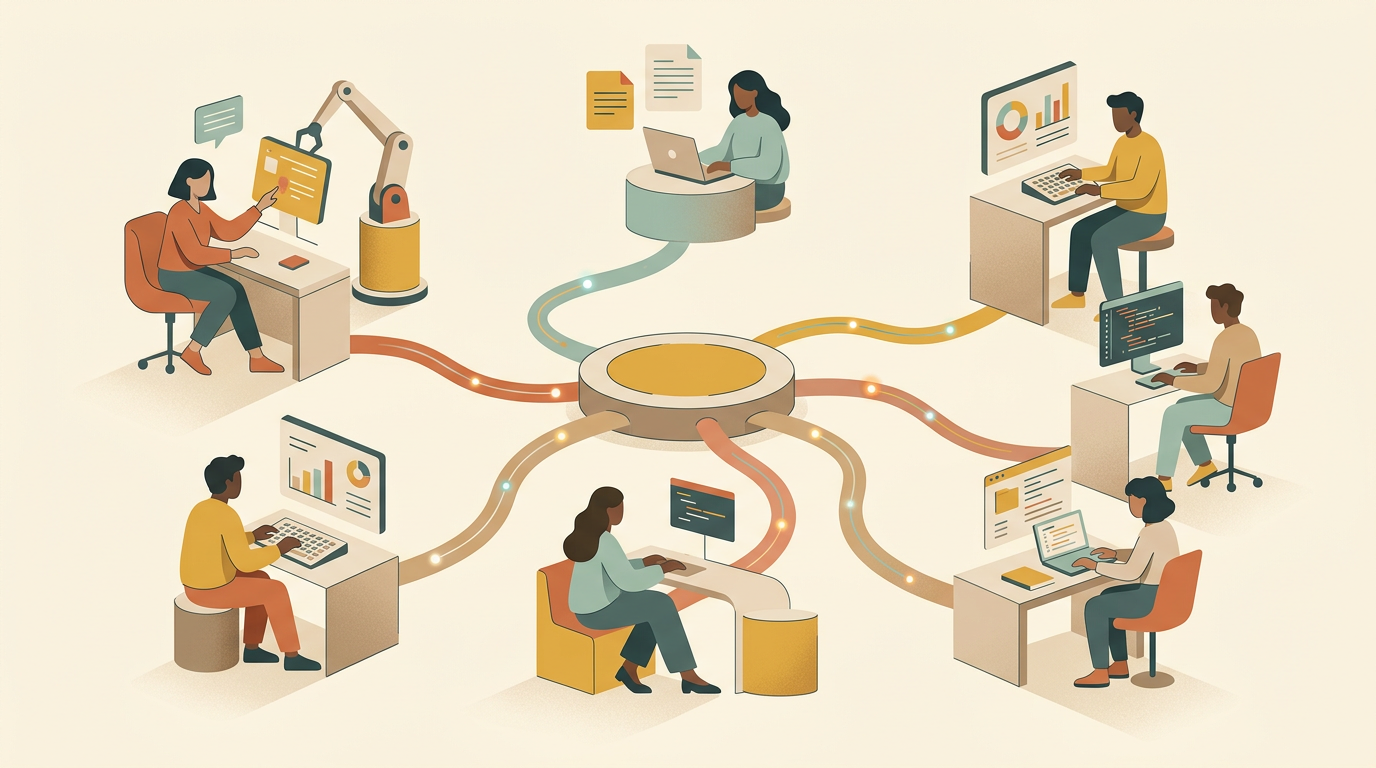
Most people run OpenClaw with a single model. Claude Sonnet 4.6, usually. It works, but you’re overpaying for easy tasks and under-equipping hard ones.
The better setup: use multiple models for different parts of the same work. A cheap model handles the routine stuff. The expensive model steps in when the problem actually demands it.
Why bother with multiple models
A typical OpenClaw coding session involves a mix of tasks:
- Reading files and understanding project structure (easy)
- Writing boilerplate code (easy)
- Debugging a tricky race condition (hard)
- Running tests and interpreting results (medium)
- Generating documentation (easy)
Running all of that through Claude Opus 4.6 means paying premium rates for tasks that a sub-dollar model handles fine. The hard reasoning work — maybe 20% of the session — is the only part that justifies the cost.
Built-in model routing: primary + thinking
OpenClaw has a two-tier model system built in. In ~/.openclaw/openclaw.json, you define a primary model for general work and a thinking model for complex reasoning:
{
  agents: {
    defaults: {
      model: {
        primary: "anthropic/claude-sonnet-4-6-20260514",
        thinking: "anthropic/claude-opus-4-6-20260514"
      }
    }
  }
}
primary handles general work. thinking kicks in when the agent detects it needs extended reasoning: multi-step logic, complex debugging, architectural decisions. You pay Opus rates only for the hard problems.
This alone cuts costs significantly. In practice, Sonnet handles 80%+ of requests, and the agent escalates to Opus for the rest.
Switching models mid-session
Sometimes you know a specific task needs a different model. Switch on the fly:
/model haimaker/minimax-m2.5
The model switch applies immediately. No restart, no context loss. Useful scenarios:
- Bulk file reads: Switch to a cheap model before asking the agent to scan a large directory or summarize multiple files
- Implementation: Switch to Sonnet or Opus for the actual coding
- Quick questions: Drop to a fast model for one-off lookups that don’t need deep reasoning
- Local work: Switch to
ollama/qwen3.5:27bwhen you don’t want requests leaving your machine
You can also switch back just as fast:
/model opus
Automatic routing with Haimaker
Manual switching works but requires you to think about model selection for every task. Haimaker’s auto-router removes that decision entirely.
Set up OpenClaw with Haimaker as the provider and the auto-router as your model:
{
  models: {
    providers: {
      haimaker: {
        baseUrl: "https://api.haimaker.ai/v1",
        apiKey: "${HAIMAKER_API_KEY}",
        api: "openai-completions",
        models: [
          { id: "auto", name: "Haimaker Auto-Router" }
        ]
      }
    }
  },
  agents: {
    defaults: {
      model: { primary: "haimaker/auto" }
    }
  }
}
Rather than paste that in by hand, npx -y @haimaker/connect --openclaw --model haimaker/auto writes the same provider config and pins the auto-router as your default model in one shot. The connect page lists the options.
The auto-router inspects each request and picks the best model based on rules you configure in the Haimaker dashboard: task complexity, latency requirements, cost ceilings. A “list files in this directory” goes to a fast, cheap model. A “refactor this authentication module” goes to something with real reasoning capability.
Real-world setup: three-tier routing
A three-tier configuration that works well for coding workflows. You can set this up manually or use the auto-router to handle it:
Tier 1 — Cheap and fast (80% of requests) MiniMax M2.5 or GLM-4.7 Flash. File reads, simple code generation, test execution, documentation. Sub-dollar per million tokens.
Tier 2 — Mid-range (15% of requests) Claude Sonnet 4.6 or GPT-5.4. Multi-file edits, moderate debugging, code review.
Tier 3 — Heavy reasoning (5% of requests) Claude Opus 4.6 or GPT-5. Complex architectural decisions, multi-step debugging, tricky refactors.
The full config for this setup, with all three tiers available and the auto-router handling selection:
{
  models: {
    providers: {
      haimaker: {
        baseUrl: "https://api.haimaker.ai/v1",
        apiKey: "${HAIMAKER_API_KEY}",
        api: "openai-completions",
        models: [
          { id: "auto", name: "Auto-Router" },
          { id: "minimax-m2.5", name: "MiniMax M2.5" },
          { id: "claude-sonnet-4.6", name: "Claude Sonnet 4.6" },
          { id: "claude-opus-4.6", name: "Claude Opus 4.6" }
        ]
      }
    }
  },
  agents: {
    defaults: {
      model: { primary: "haimaker/auto" }
    }
  }
}
The math: running 1M output tokens per day entirely through Opus costs tens of dollars per day. With three-tier routing, most of that volume goes to the cheap tier. You get the same output quality on the hard problems with a fraction of the total spend.
Dedicated agents with workspace isolation
For larger projects, OpenClaw lets you define multiple named agents, each with its own model, workspace, and identity. Each agent operates in isolation with its own tools and context, which is different from just switching models mid-session.
{
  agents: {
    list: [
      {
        id: "researcher",
        identity: "You are a research agent. Read code and documentation, then write clear summaries.",
        model: { primary: "haimaker/minimax-m2.5" },
        workspace: "./research"
      },
      {
        id: "coder",
        identity: "You are a coding agent. Write clean, tested code based on research context.",
        model: {
          primary: "anthropic/claude-sonnet-4-6-20260514",
          thinking: "anthropic/claude-opus-4-6-20260514"
        },
        workspace: "./src"
      },
      {
        id: "reviewer",
        identity: "You are a code reviewer. Check for bugs, security issues, and style violations.",
        model: { primary: "haimaker/claude-sonnet-4.6" },
        workspace: "./src"
      }
    ]
  }
}
Each agent gets its own identity prompt, model configuration, and workspace scope. The researcher uses a cheap model to read and summarize. The coder uses Sonnet with Opus as a thinking fallback. The reviewer checks the coder’s output.
Route work to a specific agent with:
/agent researcher
Agent-to-agent handoffs
For bigger workflows, you can run separate OpenClaw instances that coordinate through the filesystem:
# Terminal 1: Research agent (cheap model, reads docs)
openclaw --model haimaker/minimax-m2.5 \
  "Read the codebase and write a summary of the auth module to AUTH_CONTEXT.md"

# Terminal 2: Implementation agent (expensive model, writes code)
openclaw --model anthropic/claude-opus-4-6 \
  "Read AUTH_CONTEXT.md and refactor the session handling. Run tests after each change."
The research agent dumps context to disk. The implementation agent reads it. You avoid feeding 200K tokens of raw code through the expensive model — the research agent already distilled it.
This pairs well with QMD for token reduction. The research agent indexes the codebase with QMD, writes targeted context files, and the implementation agent works from those instead of re-reading everything.
For a more structured version of this, the openclaw-agents project provides a one-command setup that provisions 9 specialized agents as a collaborative team — with routing rules, workspace files, and channel bindings pre-configured.
What doesn’t work
A few approaches that sound good in theory but don’t hold up:
Routing by file type. Sending Python files to one model and TypeScript to another. The models aren’t different enough at file-level tasks to justify the complexity.
More than three tiers. Adding a fourth or fifth tier creates config overhead without meaningful savings. The jump from “cheap” to “mid” to “expensive” covers the useful range. You spend more time configuring than you save.
Mixing incompatible tool-calling protocols. Switching between a model that natively supports function calling and one that doesn’t mid-session can cause errors. Stick to models that share the same tool-calling format, or use a provider like Haimaker that normalizes the protocol across models.
Over-automating routing rules. Spending hours tuning routing thresholds usually isn’t worth it. The primary/thinking two-tier system captures most of the savings. The auto-router handles the rest well enough that manual fine-tuning rarely pays off.
Getting started
The simplest version takes two minutes:
- Add a
thinkingmodel to your config alongside yourprimarymodel - Let OpenClaw decide when to escalate
That alone cuts costs without any workflow changes. From there, you have two paths:
For manual control: Learn the /model and /agent commands. Switch models when you know a task is cheap or expensive. This works well if you’re already paying attention to what the agent is doing.
For automatic routing: Set up Haimaker’s auto-router. One API key, automatic model selection, and you stop thinking about which model to use. The router adjusts based on your usage patterns.
For model recommendations, see our complete models guide. For cost optimization tips, see cutting token costs by 96%.