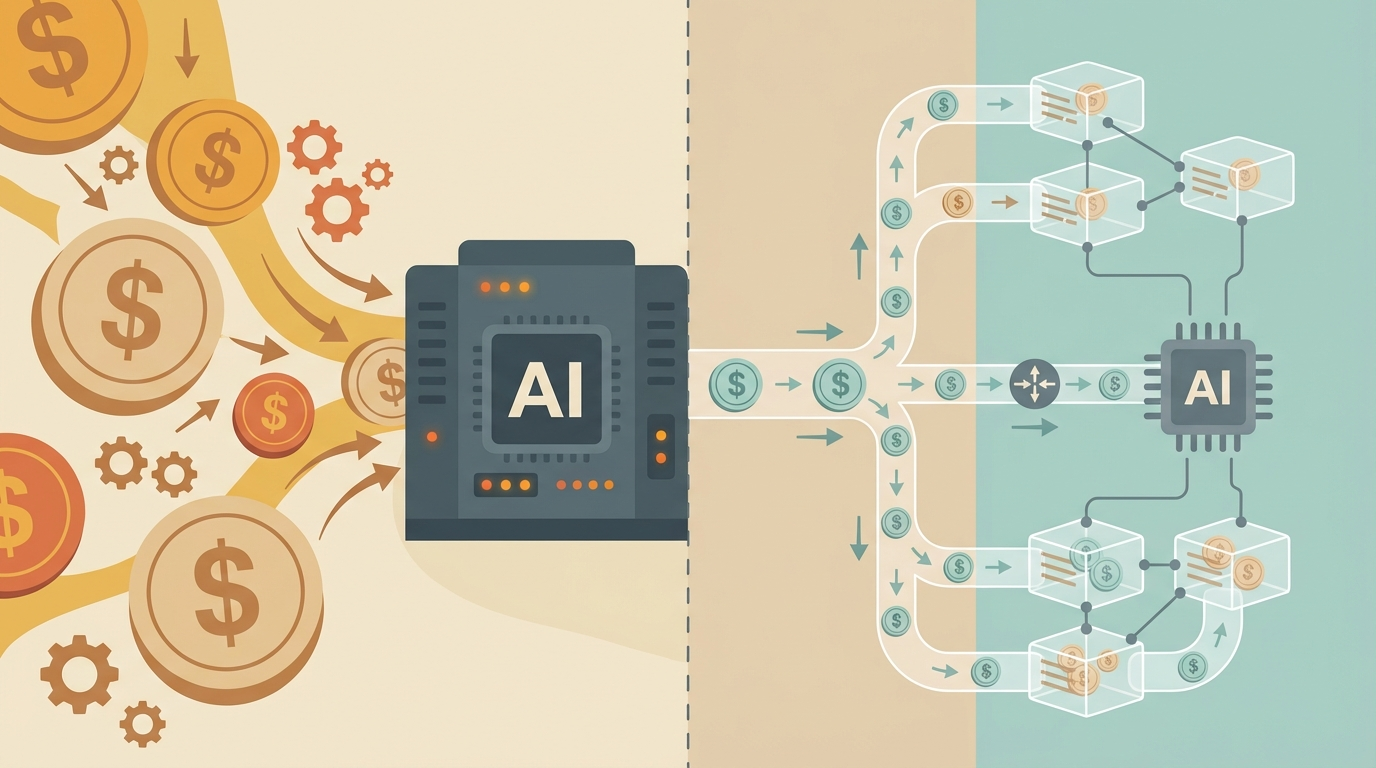
Most teams are overpaying for AI by 3-5x. Not because they're using bad models, but because they're using great models for everything.
Note: Clawdbot has been rebranded to OpenClaw — same powerful AI agent platform, new name. Learn more at openclaw.ai.
You don't need Claude Opus to answer "what time is it in Tokyo?" But that's exactly what happens when you hardcode a single model and forget about it.
Here's how to fix that.
The "one model" trap
The typical setup looks like this:
{
  agents: { defaults: { model: { primary: "anthropic/claude-opus-4-5" } } }
}
One model, all requests. Simple. Also expensive.
The problem: 80% of AI requests are simple tasks that don't need frontier-model intelligence. Summarize this text. Extract these fields. Answer a factual question. Reformat this data.
These tasks get the same $75/million output token treatment as "refactor this distributed system" or "debug this race condition." That's like taking an Uber Black to the mailbox.
Teams realize this eventually. Usually when the monthly bill arrives.
Model tier strategy
The fix is obvious once you see it: match model capability to task complexity.
Tier 1: Fast and cheap (80% of requests)
Use for: Simple Q&A, data extraction, formatting, basic summarization, routine automation
Models: GPT-4o-mini ($0.15/$0.60), Claude Haiku 3.5 ($0.80/$4), Llama 3.3 70B through haimaker.ai
These models handle straightforward tasks just as well as the expensive ones. Response quality is indistinguishable for simple work, but you're paying 20-100x less.
Tier 2: Balanced (15% of requests)
Use for: Multi-step reasoning, code generation, document analysis, creative writing
Models: Claude Sonnet 4 ($3/$15), GPT-4o ($2.50/$10), Gemini 3 Pro ($1.25/$10)
The workhorses. Smart enough for most real work, fast enough for interactive use. This is where most complex-but-not-frontier tasks should land.
Tier 3: Maximum capability (5% of requests)
Use for: Complex debugging, architectural decisions, nuanced analysis, novel problem-solving
Models: Claude Opus 4.5 ($15/$75), o3 ($10/$40), Gemini 3 Ultra ($5/$20)
Reserve these for tasks where quality genuinely matters and cheaper models fail. If you're routing correctly, this should be a small fraction of your total volume.
Real cost comparison
Let's run the numbers on 1 million requests per month with a typical task distribution:
| Task Type | % of Requests | All Opus | Tiered Approach |
|---|---|---|---|
| Simple (formatting, Q&A) | 80% | $60,000 | $480 (Haiku) |
| Medium (code, analysis) | 15% | $11,250 | $2,250 (Sonnet) |
| Complex (architecture) | 5% | $3,750 | $3,750 (Opus) |
| Total | 100% | $75,000 | $6,480 |
That's an 91% cost reduction — from $75k to under $7k — with zero quality loss on the tasks that matter.
Even a conservative tiered approach (50% cheap, 35% mid, 15% expensive) saves 60-70%. The math is hard to argue with.
Automatic routing in OpenClaw
OpenClaw supports model routing rules that match requests to models based on content, context, or explicit hints.
Basic routing config
{
  agents: {
    defaults: {
      model: {
        primary: "anthropic/claude-sonnet-4-20250514",
        routing: {
          rules: [
            {
              // Simple tasks → cheap model
              match: { complexity: "low" },
              model: "anthropic/claude-haiku-3-5"
            },
            {
              // Complex tasks → expensive model
              match: { complexity: "high" },
              model: "anthropic/claude-opus-4-5"
            }
          ],
          default: "anthropic/claude-sonnet-4-20250514"
        }
      }
    }
  }
}
Pattern-based routing
Route by message content:
{
  routing: {
    rules: [
      {
        // Code review and architecture → Opus
        match: { pattern: "(refactor|architect|debug|review this code)" },
        model: "anthropic/claude-opus-4-5"
      },
      {
        // Simple formatting → Haiku
        match: { pattern: "(format|convert|extract|summarize briefly)" },
        model: "anthropic/claude-haiku-3-5"
      }
    ]
  }
}
Context-aware routing
Route based on conversation state:
{
  routing: {
    rules: [
      {
        // Long conversations need better context tracking
        match: { messageCount: { gt: 20 } },
        model: "anthropic/claude-sonnet-4-20250514"
      },
      {
        // Code files in context → better code model
        match: { hasAttachment: "code" },
        model: "anthropic/claude-opus-4-5"
      }
    ]
  }
}
Using haimaker.ai for cost-optimized routing
haimaker.ai adds another layer: infrastructure-level routing across GPU providers.
Instead of paying full price for open-source models through a single provider, haimaker routes requests to the cheapest available GPU cluster that meets your latency requirements. You get 5% below market rate automatically.
{
  env: { HAIMAKER_API_KEY: "sk-..." },
  agents: {
    defaults: {
      model: {
        routing: {
          rules: [
            {
              // Route simple tasks to haimaker for maximum savings
              match: { complexity: "low" },
              model: "haimaker/llama-3.3-70b"
            }
          ],
          default: "anthropic/claude-sonnet-4-20250514"
        }
      }
    }
  },
  models: {
    mode: "merge",
    providers: {
      haimaker: {
        baseUrl: "https://api.haimaker.ai/v1",
        apiKey: "${HAIMAKER_API_KEY}",
        api: "openai-completions"
      }
    }
  }
}
This gives you the best of both worlds: Anthropic quality for complex tasks, open-source cost savings for simple ones.
Setting up model fallbacks
Routing is great until a provider goes down. Fallbacks keep your agent running:
{
  agents: {
    defaults: {
      model: {
        primary: "anthropic/claude-sonnet-4-20250514",
        fallback: [
          "openai/gpt-4o",
          "haimaker/llama-3.3-70b"
        ],
        fallbackOn: ["rate_limit", "timeout", "server_error"]
      }
    }
  }
}
If Sonnet hits a rate limit, OpenClaw automatically tries GPT-4o, then falls back to Llama through haimaker. No manual intervention required.
Fallback with cost awareness
You can also configure fallbacks that prefer cheaper alternatives:
{
  fallback: [
    { model: "openai/gpt-4o-mini", when: "rate_limit" },
    { model: "anthropic/claude-opus-4-5", when: "quality_required" }
  ]
}
Monitoring and adjusting
Set it and forget it doesn't work here. You need visibility into what's actually happening.
Track model usage
OpenClaw logs model selection for each request. Review weekly:
openclaw logs --format json | jq -r '.model' | sort | uniq -c | sort -rn
Look for:
- Too much Opus? Tighten your complexity rules
- Too much Haiku? Check if quality is suffering
- Unexpected patterns? Your rules might be too broad
Watch quality metrics
Cost savings mean nothing if users complain. Track:
- Task completion rates by model tier
- User feedback/corrections
- Retry rates (did the cheap model fail and escalate?)
Iterate monthly
Adjust thresholds based on real data:
{
  routing: {
    rules: [
      {
        // Bumped threshold after seeing quality issues
        match: { tokenEstimate: { gt: 2000 } },
        model: "anthropic/claude-sonnet-4-20250514"
      }
    ]
  }
}
Start conservative (more expensive), then gradually shift traffic to cheaper models as you confirm quality holds.
Quick wins
If you're not ready for full routing rules, start here:
Set a cheaper default. Switch from Opus to Sonnet. Most people won't notice.
Use Haiku for system tasks. Background summarization, data extraction, log parsing — these don't need intelligence.
Route code to Opus explicitly. When it matters, pay for it.
/model opusin OpenClaw switches for that conversation.Batch similar requests. One Opus call with 10 items costs less than 10 Haiku calls. Structure your prompts accordingly.
The bottom line
Every AI request doesn't need a $75/million token model. Most don't even need a $15 model.
Match the model to the task. Use cheap models for simple work. Reserve expensive models for complex work. Set up routing rules so you don't have to think about it.
The teams doing this well are spending 60-80% less than their competitors while getting the same results. That's not clever optimization — it's just not wasting money.
Ready to optimize your AI costs? Visit openclaw.ai to get started with intelligent model routing, or check out haimaker.ai for cost-optimized open-source model hosting.