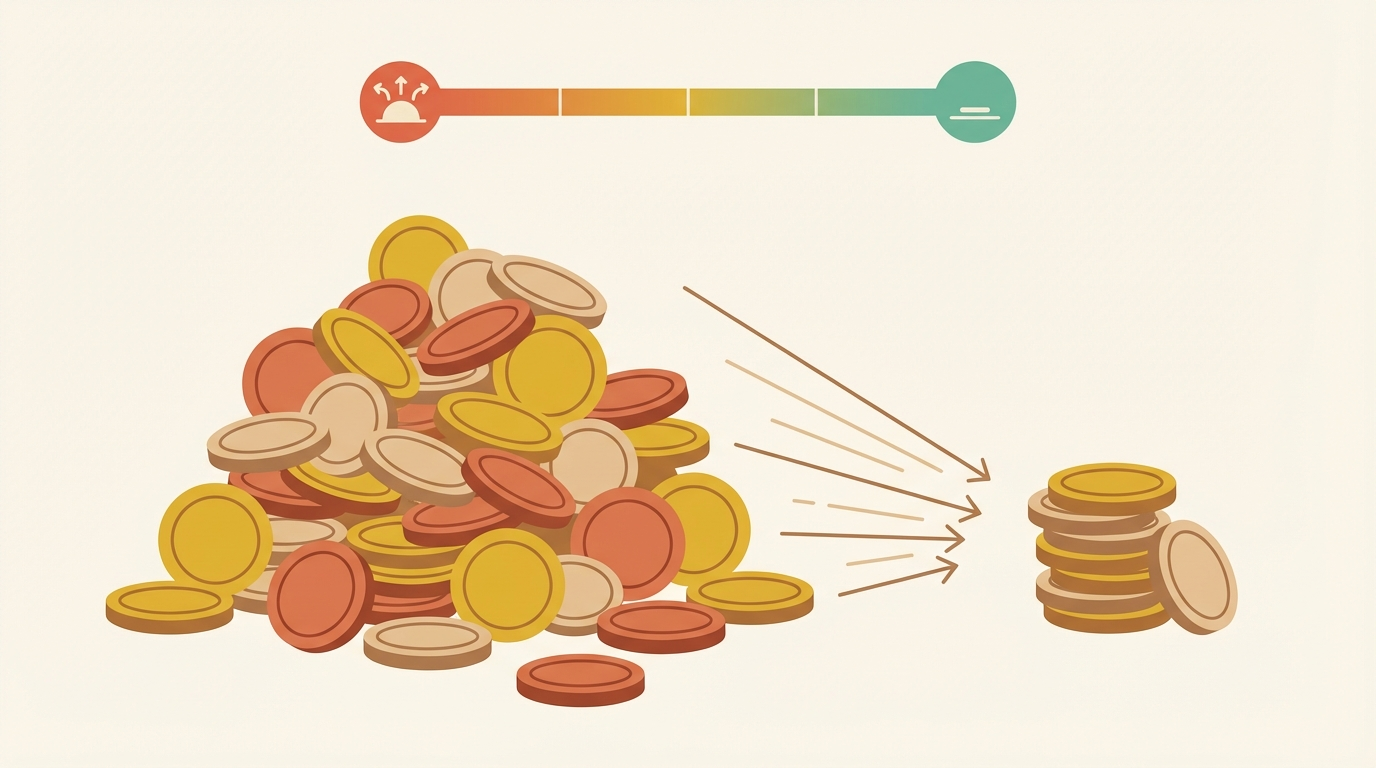
Clawdbot exploded to 85k+ GitHub stars this month. It's the hottest AI agent in the world right now. It's also burning holes in people's wallets.
Note: Clawdbot has been rebranded to OpenClaw — same powerful AI agent platform, new name. Learn more at openclaw.ai.
Reddit threads are brutal. Hacker News is worse. People are calling it an "unaffordable novelty."
But some users have figured out how to cut token consumption by 96%. Here's what they're doing.
The problem: AI agents eat tokens for breakfast
The reports are everywhere:
- "$300+ in 2 days doing basic tasks" — Hacker News user running Clawdbot on a medium-sized codebase
- "8 MILLION TOKENS on Claude Opus in one session" — r/LocalLLM poster who watched their bill climb in real-time
- "$120 overnight from retry loops" — Reddit user who woke up to a nightmare
@nateliason on X summed it up: the promise of agentic AI crashes into reality when your API bill arrives.
The core issue isn't that Clawdbot is inefficient. It's that context windows are expensive, and agents need context to function. Every file the agent reads, every conversation turn, every tool call result — it all goes into the context window. And you pay for all of it.
A typical coding session might look like this:
- Agent reads 50 files to understand the codebase (~200k tokens)
- User asks a question, agent reasons through it (~10k tokens)
- Agent makes a change, runs tests, sees failure (~20k tokens)
- Retry loop begins...
Multiply by Claude Opus 4.5 pricing ($75/million output tokens), and you're looking at serious money.
The solution: QMD + smart context management
Enter QMD, a tool built by Tobi Lütke (yes, the Shopify founder). It's a local semantic search engine designed specifically for this problem.
@andrarchy on X posted the numbers that got everyone's attention: 96% token reduction after integrating QMD with their Clawdbot setup.
Here's why it works.
What QMD actually does
Instead of dumping your entire codebase into the context window, QMD lets the agent search for exactly what it needs. Think of it as giving your AI agent a search engine instead of a filing cabinet.
The architecture is clever:
Query → Query Expansion → Parallel Search → Fusion → Re-ranking → Results
                              ↓
                    ┌─────────┴─────────┐
                    │                   │
                  BM25              Vector
                (keyword)          (semantic)
                    │                   │
                    └─────────┬─────────┘
                              ↓
                         RRF Fusion
                              ↓
                       LLM Re-ranking
                              ↓
                      Top K Results
QMD runs hybrid search — combining traditional BM25 keyword matching with vector semantic search. The results get fused using Reciprocal Rank Fusion (RRF), then an LLM re-ranks them for relevance.
The key insight: three small local models can replace one massive context window.
Runs entirely on-device
QMD uses three GGUF models totaling about 2GB:
- Query expansion model — turns your question into multiple search queries
- Embedding model — converts code/text into vectors
- Re-ranking model — scores results by relevance
All local. No API calls. No token costs for the search itself.
@MikelEcheve on X benchmarked it on a 500k-line codebase: searches complete in under 2 seconds on an M2 MacBook.
MCP integration
QMD exposes an MCP (Model Context Protocol) server, which means Clawdbot can use it natively:
// ~/.openclaw/openclaw.json
{
  mcp: {
    servers: {
      qmd: {
        command: "qmd",
        args: ["serve", "--mcp"],
        env: { QMD_INDEX_PATH: "~/.qmd/indexes" }
      }
    }
  }
}
Once configured, your agent can call qmd_search instead of reading entire directories.
How Clawdbot handles context natively
Even without QMD, Clawdbot has built-in context management that most users don't know about.
Memory flush before compaction
When context hits 75% capacity, Clawdbot does something smart:
- Writes current memory/state to disk
- Summarizes the conversation
- Compacts the context window
- Continues with the summary + fresh context
This prevents the runaway context growth that causes those $300 bills.
Configuring the threshold
// ~/.openclaw/openclaw.json
{
  agents: {
    defaults: {
      context: {
        compactionThreshold: 0.75,  // trigger at 75% capacity
        preserveSystemPrompt: true,
        memoryPath: "~/.openclaw/memory"
      }
    }
  }
}
Lower the threshold if you're hitting cost limits. 0.5 is aggressive but cheap.
Community tips for token savings
The Clawdbot community has developed a playbook. Here's what's working:
1. Consolidate startup files into CONTEXT.md
Instead of letting the agent read 20 files at startup, create one lean file:
# CONTEXT.md

## Project: my-saas-app
- Stack: Next.js 14, Prisma, PostgreSQL
- Key files: src/app/api/*, src/lib/db.ts
- Conventions: Use server actions, no client-side fetching

## Current focus
- Building user authentication flow
- Files to modify: src/app/auth/*, src/lib/auth.ts
One file instead of 20. Maybe 2k tokens instead of 50k.
2. Route to cheaper models
Not every task needs Opus. Use model routing:
{
  agents: {
    defaults: {
      model: {
        primary: "anthropic/claude-sonnet-4-20250514",
        thinking: "anthropic/claude-opus-4-5-20250514"  // only for complex reasoning
      }
    }
  }
}
Or use Haimaker to route simple tasks to open-source models automatically.
3. Set max_retry limits
Those $120 overnight bills? Usually retry loops. Cap them:
{
  agents: {
    defaults: {
      execution: {
        maxRetries: 3,
        retryDelayMs: 2000
      }
    }
  }
}
Three retries, then stop. Ask the human.
4. Use cheaper models for file discovery
Let a fast, cheap model (GLM-4.7, MiniMax M2) scan your codebase and identify relevant files. Then send only those files to the expensive model.
# Example workflow
openclaw --model haimaker/glm-4.7 "List files related to authentication"
# Output: src/lib/auth.ts, src/app/auth/login/page.tsx, ...

openclaw --model opus --files src/lib/auth.ts,src/app/auth/login/page.tsx "Fix the session timeout bug"
Two API calls instead of one massive context dump.
The Haimaker angle
If you're already optimizing context, why not optimize model routing too?
Haimaker routes requests across GPU providers, automatically selecting the cheapest option that meets your latency requirements. For Clawdbot users, this means:
- Open-source models at 5% below market rate
- Automatic fallback if a provider is slow or down
- Data residency controls for compliance-sensitive workloads
Combined with QMD, you're looking at potential savings of 90%+ on your AI agent costs.
// Route simple tasks to open-source, complex to Claude
{
  agents: {
    defaults: {
      model: { primary: "haimaker/llama-3.3-70b" }
    },
    overrides: {
      coding: { model: { primary: "anthropic/claude-sonnet-4-20250514" } },
      thinking: { model: { primary: "anthropic/claude-opus-4-5-20250514" } }
    }
  }
}
Bottom line
AI agents are powerful. They're also expensive if you don't manage context properly.
The playbook:
- Install QMD for local semantic search (96% token reduction possible)
- Configure context compaction in Clawdbot (75% threshold or lower)
- Consolidate startup files into lean CONTEXT.md
- Route simple tasks to cheaper models via Haimaker
- Cap retry loops to prevent runaway costs
The $300 bills aren't inevitable. They're a configuration problem.
Ready to set up your own cost-optimized AI agent? Visit openclaw.ai to get started with OpenClaw.