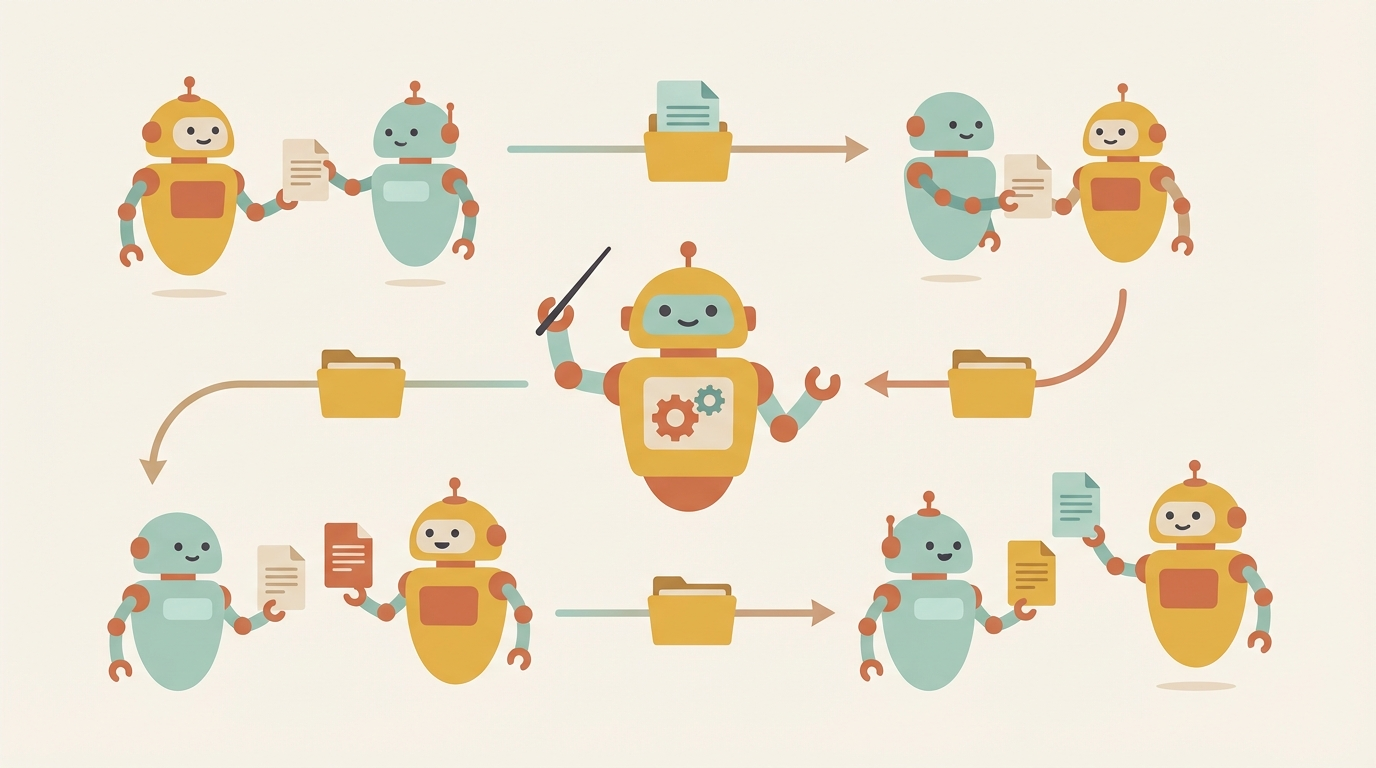
Single agents hit a ceiling. They're great for straightforward tasks, but complex workflows benefit from specialization. A researcher who's also a writer who's also a critic ends up mediocre at all three.
Note: Clawdbot has been rebranded to OpenClaw — same powerful AI agent platform, new name. Learn more at openclaw.ai.
OpenClaw supports spawning multiple agents with different roles, models, and contexts. This post covers how to set that up and when it actually makes sense.
Single agent vs multi-agent
A single agent handles everything in one conversation thread. It reads your request, thinks, acts, responds. Simple, low overhead, works for most tasks.
Multi-agent orchestration splits work across specialized agents. A coordinator routes tasks, specialists execute them, and results get aggregated. More complexity, but better outcomes for certain workflows.
When to use each:
| Single Agent | Multi-Agent |
|---|---|
| Quick questions | Research requiring multiple perspectives |
| Simple automations | Code reviews with separate reviewer roles |
| Personal assistant tasks | Content pipelines (research → write → edit) |
| Tasks under 10 minutes | Long-running background work |
The rule of thumb: if you find yourself prompting "now switch to being a critic" or "pretend you didn't write that," you probably want separate agents.
Use cases that benefit from multi-agent
Research teams
One agent searches and gathers sources. Another synthesizes findings. A third fact-checks claims against the original sources. Each has a focused job and can use a model optimized for that task.
Coding reviews
The author agent writes code. A reviewer agent critiques it without seeing the original prompt (avoiding confirmation bias). A security-focused agent scans for vulnerabilities. Merge the feedback and iterate.
Content pipelines
Research → outline → draft → edit → publish. Each stage can be a different agent with different instructions. The researcher casts a wide net; the writer focuses on narrative; the editor cuts ruthlessly. Human-in-the-loop at any stage you want.
Customer support triage
A routing agent classifies incoming requests. Specialists handle billing, technical issues, or general queries. An escalation agent decides when to involve humans.
Setting up agents in OpenClaw
OpenClaw agents are configured in ~/.openclaw/openclaw.json. Here's a minimal multi-agent setup:
{
  "agents": {
    "defaults": {
      "model": { "primary": "anthropic/claude-sonnet-4-20250514" }
    },
    "profiles": {
      "researcher": {
        "model": { "primary": "google/gemini-3-pro" },
        "systemPrompt": "You are a research specialist. Gather comprehensive information from multiple sources. Cite your sources. Focus on accuracy over speed."
      },
      "writer": {
        "model": { "primary": "anthropic/claude-sonnet-4-20250514" },
        "systemPrompt": "You are a content writer. Take research notes and transform them into engaging, well-structured content. Match the specified tone and format."
      },
      "critic": {
        "model": { "primary": "anthropic/claude-opus-4-5-20250515" },
        "systemPrompt": "You are a critical editor. Review content for factual accuracy, logical consistency, clarity, and engagement. Be direct about problems. Suggest specific improvements."
      }
    }
  }
}
Each profile gets its own model, system prompt, and configuration. The researcher uses Gemini for its massive context window. The writer uses Sonnet for speed. The critic uses Opus for deeper analysis.
Spawning agents from the main session
From your main OpenClaw session, spawn a subagent:
/spawn researcher "Find the latest research on multi-agent AI systems. Focus on papers from 2025-2026. Summarize key findings."
The subagent runs in the background. Check on it with /sessions and read results when done.
Programmatic spawning via the gateway API
For automated pipelines, hit the gateway directly:
curl -X POST http://localhost:3033/api/agent/spawn \
  -H "Content-Type: application/json" \
  -d '{
    "profile": "researcher",
    "task": "Research multi-agent orchestration patterns",
    "context": { "outputFormat": "markdown", "maxSources": 10 }
  }'
Agent specialization patterns
The most useful pattern I've found: researcher → writer → critic.
The researcher
- Uses a model with large context (Gemini, Claude with extended context)
- Casts a wide net, gathers raw material
- Doesn't worry about polish or structure
- Outputs structured notes, not finished prose
{
  "profiles": {
    "researcher": {
      "model": { "primary": "google/gemini-3-pro" },
      "systemPrompt": "Gather information on the assigned topic. Output format:\n\n## Key Facts\n- Bullet points of core information\n\n## Sources\n- Links and citations\n\n## Open Questions\n- What needs more investigation",
      "tools": ["web_search", "web_fetch", "read"]
    }
  }
}
The writer
- Takes researcher output as input context
- Focuses on narrative, flow, engagement
- Doesn't second-guess the research (that's the critic's job)
- Produces a complete draft
{
  "profiles": {
    "writer": {
      "model": { "primary": "anthropic/claude-sonnet-4-20250514" },
      "systemPrompt": "Transform research notes into polished content. Follow the style guide. Focus on clarity and engagement. Do not add information beyond what's in the research notes.",
      "tools": ["read", "write"]
    }
  }
}
The critic
- Reviews without having written the content (fresh eyes)
- Uses a more capable model for nuanced analysis
- Outputs specific, actionable feedback
- Can trigger another writing pass if needed
{
  "profiles": {
    "critic": {
      "model": { "primary": "anthropic/claude-opus-4-5-20250515" },
      "systemPrompt": "Review the draft critically. Check for:\n- Factual accuracy against source material\n- Logical flow and structure\n- Clarity and readability\n- Missing context or unsupported claims\n\nBe specific. Quote the problematic text and suggest fixes.",
      "tools": ["read"]
    }
  }
}
Passing context between agents
Agents don't share memory automatically. You need to explicitly pass context. Three approaches:
File-based handoff
The simplest method. Each agent reads from and writes to files:
/spawn researcher "Research X. Write findings to /tmp/research-notes.md"
# ... wait for completion ...
/spawn writer "Read /tmp/research-notes.md. Write draft to /tmp/draft.md"
# ... wait for completion ...
/spawn critic "Review /tmp/draft.md against /tmp/research-notes.md. Write feedback to /tmp/feedback.md"
Works for any workflow. Easy to inspect intermediate outputs. Human can intervene at any stage.
Context injection
Pass context directly when spawning:
curl -X POST http://localhost:3033/api/agent/spawn \
  -H "Content-Type: application/json" \
  -d '{
    "profile": "writer",
    "task": "Write a blog post about multi-agent systems",
    "context": {
      "researchNotes": "... content from researcher ...",
      "styleGuide": "Keep paragraphs under 4 sentences. Use active voice.",
      "targetLength": "1500 words"
    }
  }'
More direct, but harder to audit. Good for automated pipelines where you don't need to inspect every step.
Shared workspace
Point all agents at the same workspace directory:
{
  "agents": {
    "profiles": {
      "researcher": {
        "workspace": "/projects/content-pipeline/workspace"
      },
      "writer": {
        "workspace": "/projects/content-pipeline/workspace"
      },
      "critic": {
        "workspace": "/projects/content-pipeline/workspace"
      }
    }
  }
}
Agents can read each other's outputs. Use a naming convention (01-research.md, 02-draft.md, 03-feedback.md) to maintain order.
Practical example: content creation workflow
Here's a complete workflow for producing a technical blog post:
Step 1: Configure the pipeline
{
  "agents": {
    "profiles": {
      "content-researcher": {
        "model": { "primary": "google/gemini-3-pro" },
        "systemPrompt": "You research topics for technical blog posts. Gather facts, examples, and sources. Output structured notes in markdown.",
        "workspace": "/projects/blog-pipeline"
      },
      "content-writer": {
        "model": { "primary": "anthropic/claude-sonnet-4-20250514" },
        "systemPrompt": "You write technical blog posts. Transform research notes into engaging, well-structured articles. Follow the style guide in STYLE.md.",
        "workspace": "/projects/blog-pipeline"
      },
      "content-editor": {
        "model": { "primary": "anthropic/claude-opus-4-5-20250515" },
        "systemPrompt": "You edit technical content. Check facts against sources, improve clarity, fix errors. Output a revised draft with tracked changes.",
        "workspace": "/projects/blog-pipeline"
      }
    }
  }
}
Step 2: Run the pipeline
From your main session:
/spawn content-researcher "Research the current state of multi-agent AI orchestration. Focus on practical implementations, not theory. Save to workspace/research.md"
Wait for completion, then:
/spawn content-writer "Read workspace/research.md. Write a 1500-word blog post. Save to workspace/draft-v1.md"
Then:
/spawn content-editor "Review workspace/draft-v1.md against workspace/research.md. Create workspace/draft-v2.md with improvements."
Step 3: Human review
At any point, read the intermediate files:
/read /projects/blog-pipeline/workspace/draft-v2.md
Make manual edits, add your voice, then optionally run another edit pass.
Using different models via Haimaker
The real power comes from routing different agents to different models based on their needs. Haimaker makes this easy with a single API that routes to multiple providers:
{
  "models": {
    "providers": {
      "haimaker": {
        "baseUrl": "https://api.haimaker.ai/v1",
        "apiKey": "${HAIMAKER_API_KEY}",
        "api": "openai-completions",
        "models": [
          { "id": "llama-3.3-70b", "name": "Llama 3.3 70B" },
          { "id": "qwen-2.5-72b", "name": "Qwen 2.5 72B" },
          { "id": "deepseek-v3", "name": "DeepSeek V3" }
        ]
      }
    }
  },
  "agents": {
    "profiles": {
      "bulk-researcher": {
        "model": { "primary": "haimaker/llama-3.3-70b" },
        "systemPrompt": "Fast research agent for high-volume tasks"
      },
      "code-reviewer": {
        "model": { "primary": "haimaker/deepseek-v3" },
        "systemPrompt": "Code review specialist"
      }
    }
  }
}
This lets you optimize cost and capability per agent. Use expensive models where quality matters most; use cheaper models for bulk work.
Gotchas and lessons learned
Start simple. Don't build a 5-agent pipeline on day one. Start with a single agent, identify where it struggles, then split that into specialized roles.
Agents diverge. Without explicit context passing, agents will make different assumptions. Be specific about formats, conventions, and constraints.
Critic quality matters. A weak critic just says "looks good." Use your best model for the critic role — it's the quality gate.
Human-in-the-loop isn't failure. The goal isn't full automation. It's augmented workflow. Insert yourself wherever your judgment adds value.
Watch the costs. Multi-agent workflows multiply token usage. A 3-agent pipeline uses roughly 3x the tokens. Profile your workflows and optimize the expensive paths.
When not to use multi-agent
Not every problem needs orchestration:
- Quick tasks — Single agent is faster and cheaper
- Highly interactive work — Switching agents breaks conversational flow
- Simple transformations — One prompt, one output
- When you're still figuring out the task — Get it working with one agent first
Multi-agent shines when you have a repeatable workflow with distinct stages that benefit from different capabilities or perspectives.
What's next
OpenClaw's multi-agent support is still evolving. On the roadmap:
- Agent-to-agent messaging — Direct communication without file handoffs
- Workflow templates — Pre-built pipelines for common patterns
- Parallel execution — Run independent agents simultaneously
- Result aggregation — Combine outputs from multiple agents automatically
For now, the file-based and context-injection approaches work well for most use cases.
Ready to build your own multi-agent workflows? Visit openclaw.ai to get started, or check the OpenClaw documentation for detailed configuration options.